How Can I Get a List of Archived Studies in my Patient Explorer?
In situations where an archive is used, the RamSoft software is aware of all the studies that have been archived. Therefore, the Patient Explorer will always provide a list of all of the prior studies associated with the opened case.
If the RamSoft software has been connected to an archive that predates the current study, the system has a built in auto query function. When configured, the system will query studies of the following criteria belonging to the same patient as the opened study.
- Studies from the Archive Station (configured in Station List)
- Studies from DICOM Stations that supports Query and has the same Issuer as the opened Study
- Studies from DICOM Stations in which the opened Study originated
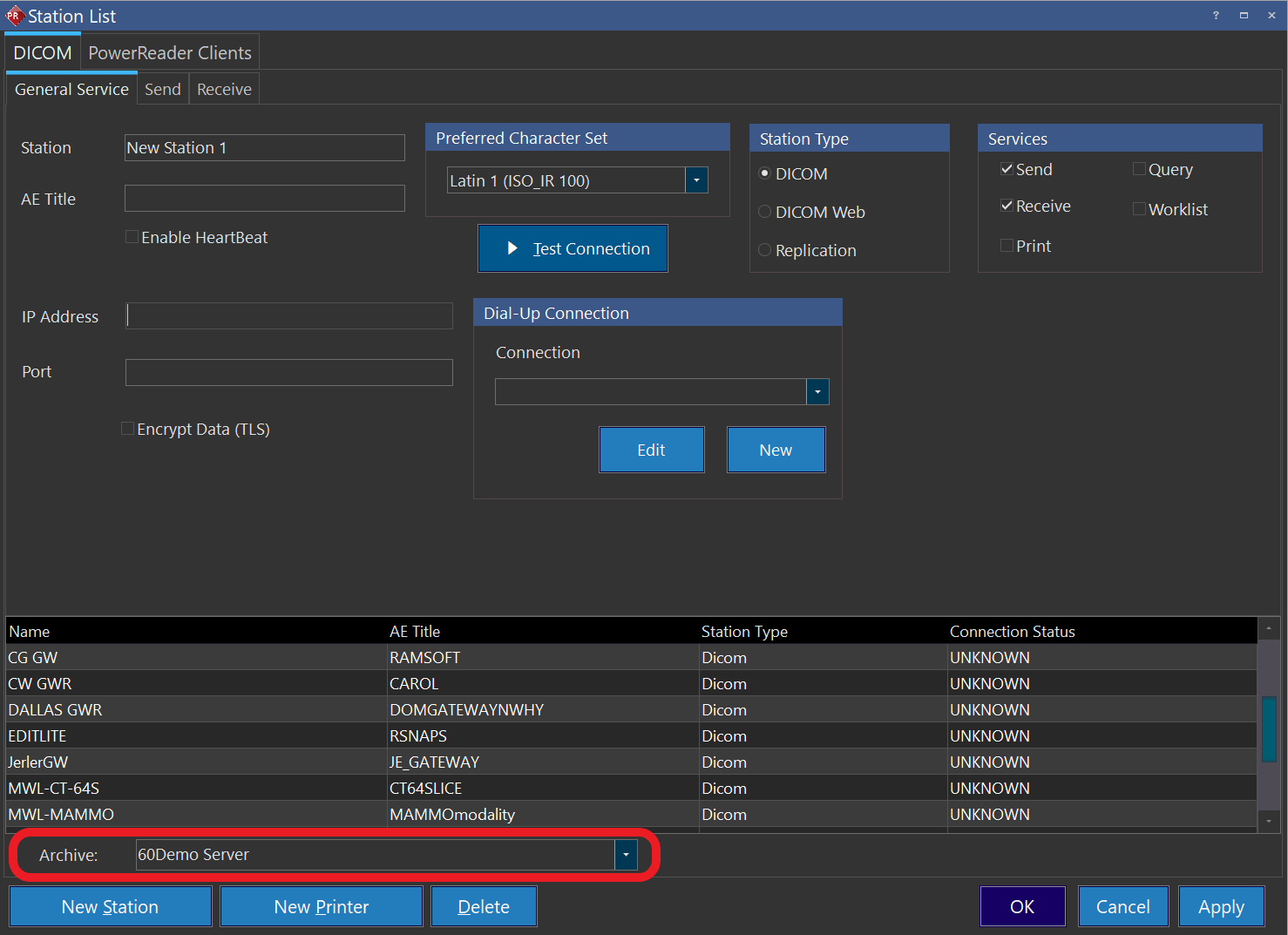
The Archive server is specified by navigating to Settings > Server Settings > Station List. Any DICOM station can be set up as an Archive server. The System Configuration entry Automatically Query Archive Server (enabled by default) must be turned on to automatically query for archived studies. The System Configuration entry Range to Query Archive Server is used to set the number of years to query archived studies. If this option is not enabled, the entire Archive server is searched.
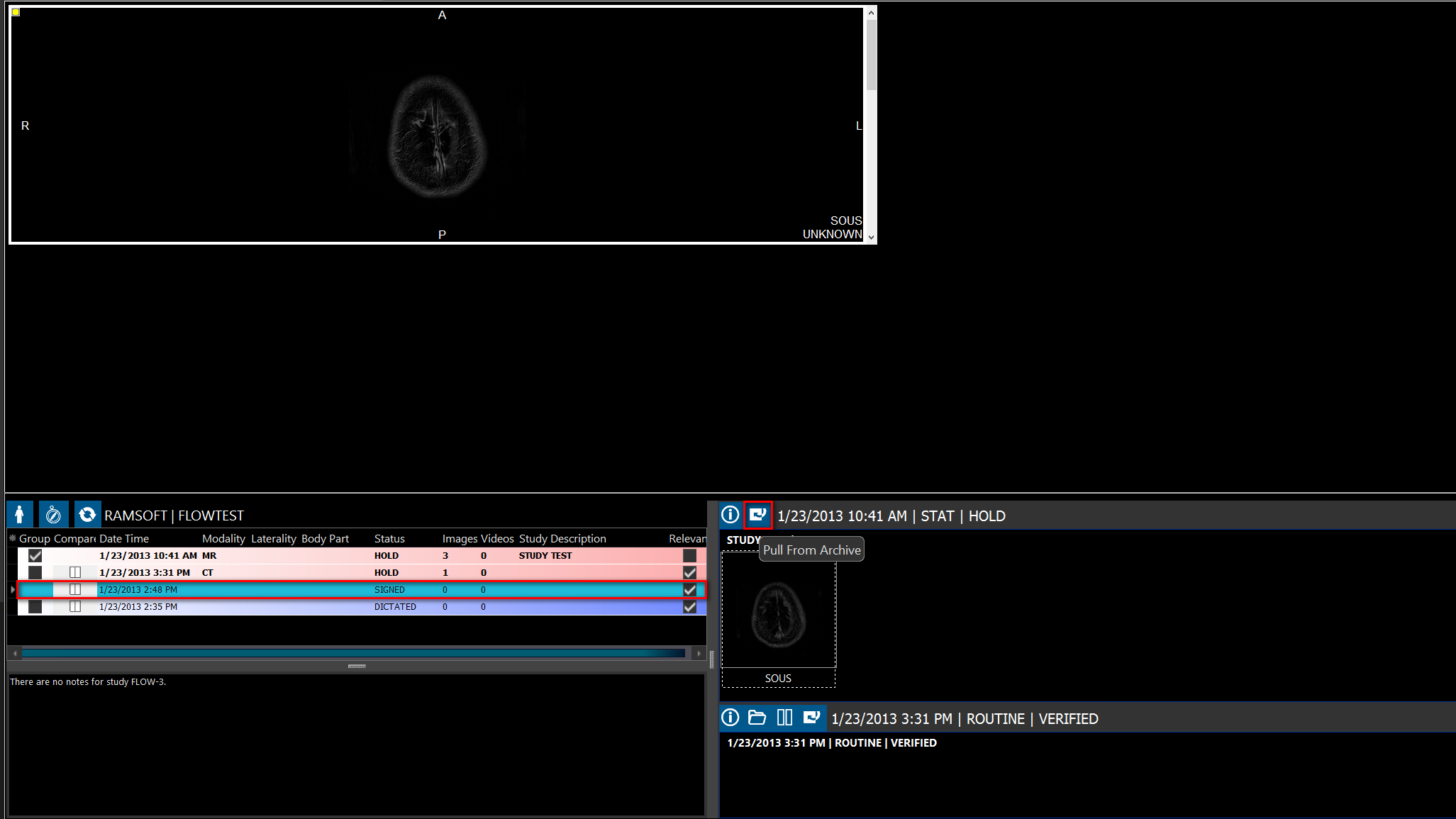
Archived studies from remote workstations may contain objects not yet on the local server. To update the list of objects, click the study and click the "Pull From Archive" button.
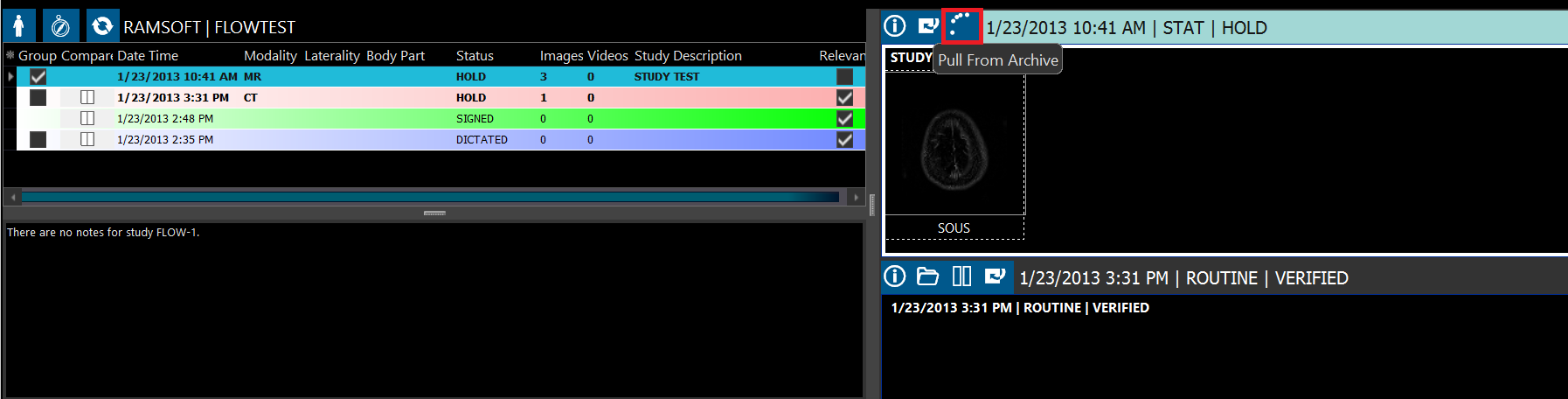
As remotely archived studies are being downloaded to the local server, the icon is changed to the following "in progress" appearance:
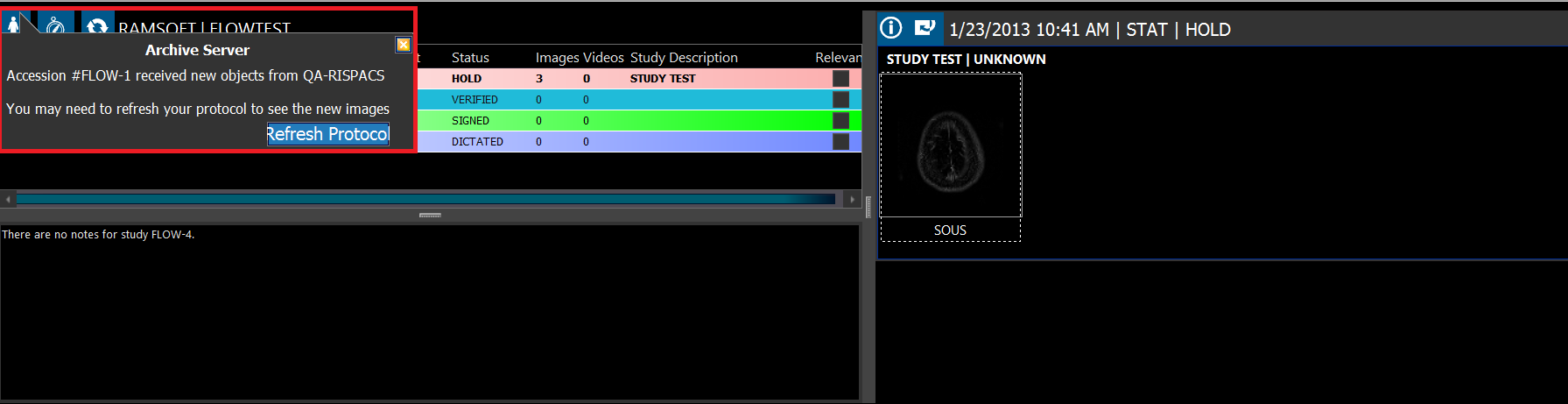
When the study has finished synchronizing, the following message is displayed. Click Refresh Protocol if needed to see the new images.